
Internet Speed Test
How fast is your internet? Start with a speed test.
Check your connection with an internet speed test. See your download speed, upload speed, and latency—then learn what those results mean for streaming, gaming, working from home, and everyday browsing.
Internet Speed Test
How fast is your internet? Start with a speed test.
Check your connection with an internet speed test. See your download speed, upload speed, and latency—then learn what those results mean for streaming, gaming, working from home, and everyday browsing.
Ready for a change?

How to Get a More Accurate Speed Test
A few quick steps can help you get a clearer picture of your connection:
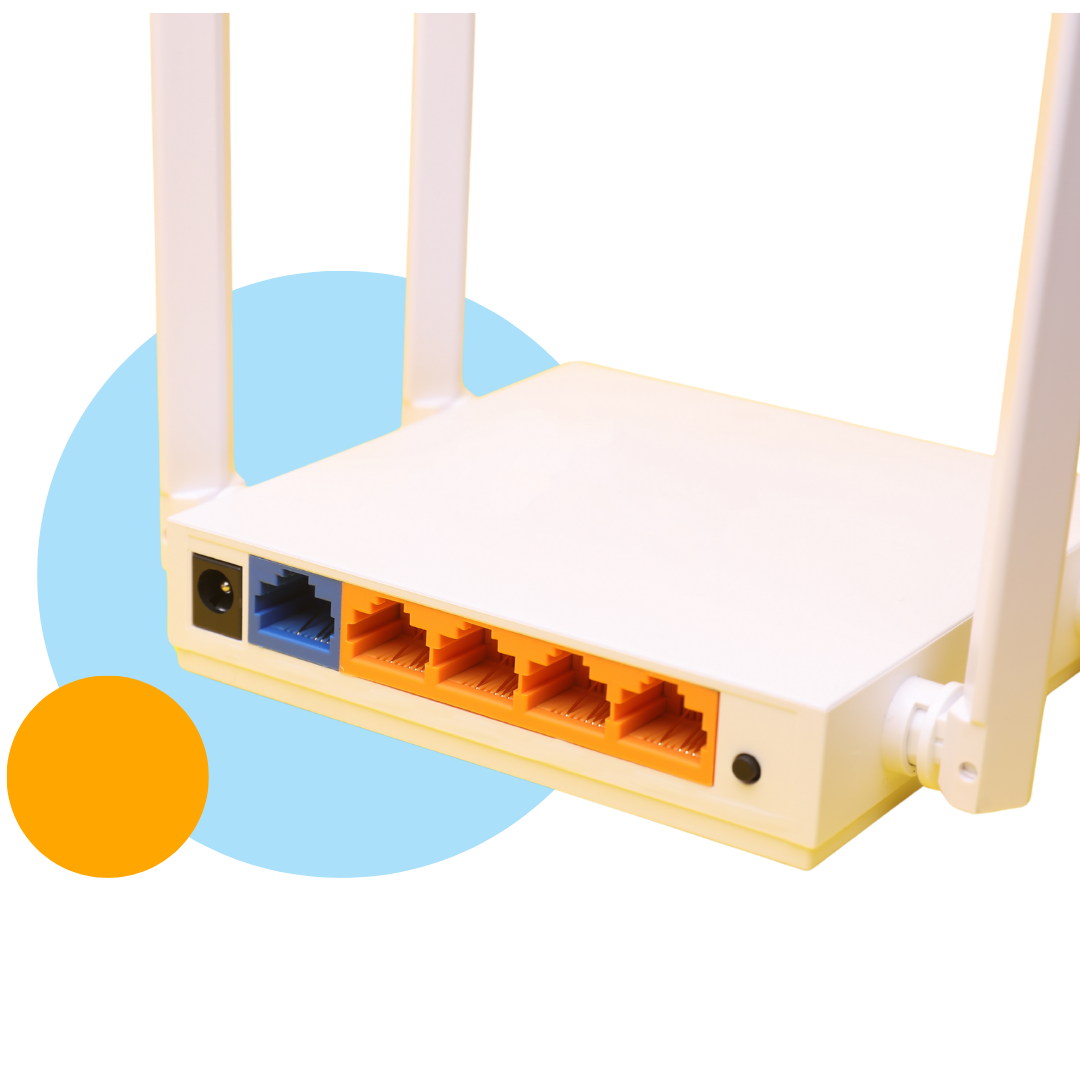
- Use a wired connection when possible. Connect your computer directly to your router with an Ethernet cable to reduce the influence of WiFi interference.
- Pause other internet activity. Stop large downloads, cloud backups, and streaming on other devices while testing.
- Close unnecessary apps and tabs. Background activity can use bandwidth and affect your results.
- Check your WiFi position. If you’re testing wirelessly, start near your router. You can then test in other rooms to compare coverage.
- Repeat the test. Testing at different times can help you spot patterns rather than relying on a single result.
Using a VPN? If appropriate, temporarily disconnect it when checking your home connection’s speed.
What Do Your Internet Speed Test Results Mean?
Download speed
Download speed measures how quickly your device receives data from the internet. It affects activities such as streaming videos, loading websites, downloading files, and installing games.
Upload speed
Upload speed measures how quickly your device sends data to the internet. It matters for video calls, sharing large files, uploading videos, and backing up photos.
Ping or latency
Latency measures how long it takes data to travel to a server and back. Lower latency generally means a more responsive experience, especially during online gaming and real-time conversations.
Mbps and Gbps
These units describe data transfer speeds. When comparing your result with your internet plan, check both download and upload speeds—not just one number.
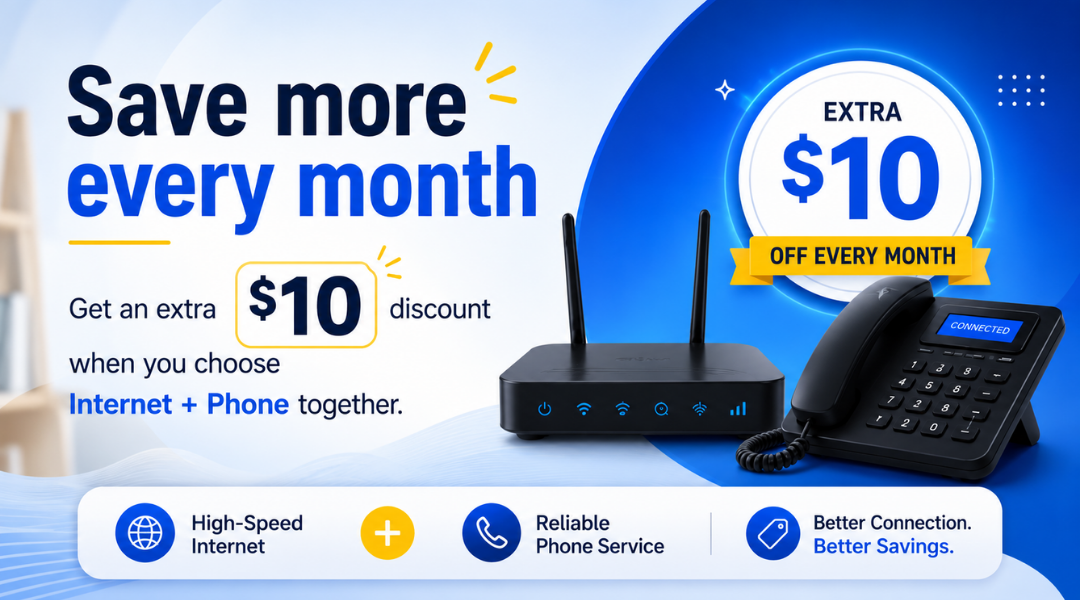
Bundle and Save
Bundle Internet and Phone to enjoy seamless connectivity with extra savings every month

Why Is My Internet Speed Lower Than Expected?
A lower result doesn’t automatically mean you need a different internet plan. Your test can be affected by::
- Distance from your WiFi router.
- Walls and other sources of wireless interference.
- Multiple devices sharing the connection.
- Older devices, routers, or Ethernet equipment.
- Background downloads and software updates.
- VPN use and the test server selected.
Your device and network equipment also need to support the speeds you’re testing. This is especially important with gigabit and multi-gig internet plans.
If your wired connection performs well but WiFi slows down in certain rooms, improving WiFi coverage may be more helpful than upgrading your plan alone.
Already a Blue Mountain Networks customer? Our technical support team is available 24/7. Call 541-370-3000 or visit our Support page for help troubleshooting your connection.
Internet Speed Test FAQs
Can I use this speed test if I’m not a Blue Mountain Networks customer?
Yes. You can use the linked Speedtest.net tool to test your current internet connection, regardless of your provider.
Does a speed test measure my WiFi or my internet service?
A test measures the connection available to the device running it. On WiFi, the result includes the effects of your wireless connection. A wired test helps reduce those WiFi variables.
What is a good internet speed for my household?
The right speed depends on how many people and devices share your connection and what they do online. Streaming, large downloads, video calls, and simultaneous activity all influence the bandwidth you need.
Will a faster internet plan fix weak WiFi?
Not necessarily. Weak WiFi may be related to router placement, interference, or coverage. Troubleshoot those issues before assuming a faster plan will solve the problem.
Can I upgrade my Blue Mountain Networks internet plan?
Yes. Residential customers can contact the team to discuss a plan upgrade and confirm the options available at their address.
Upgrade Your Internet Today With Blue Mountain Networks
Test your speed. Explore your options. Get connected with a local team ready to help you find the right internet service for your home.
Check Availability
View Our Service Areas
Questions? Call 541-370-3000.